
Personal Budget Tracker
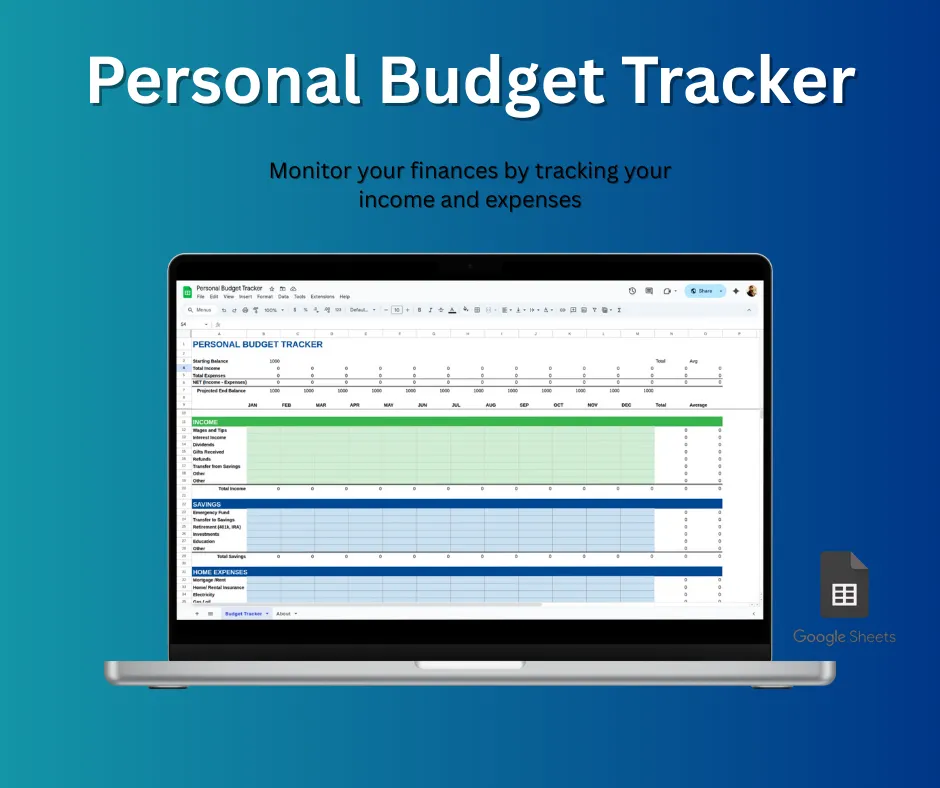
This personal budget tracker is a user-friendly Google Sheets template designed to help you manage your finances. It lets you easily track income and expenses, set monthly budgets, and visualize your financial health with automated charts. It’s the perfect tool for gaining control of your money and reaching your financial goals.
Rs.149 Rs.99 (33% off)
This personal budget tracker is a user-friendly Google Sheets template designed to help you manage your finances. It lets you easily track income and expenses, set monthly budgets, and visualize your financial health with automated charts. It’s the perfect tool for gaining control of your money and reaching your financial goals.
Features
- Automated Calculations: Automatically tracks your income, expenses, and totals, saving you time and effort.
- Customizable: Easily add your own categories for income and expenses to fit your personal finances.
- Visual Dashboard: Includes charts and graphs to help you visualize your spending and financial trends at a glance.
- Comprehensive Insights: Provides monthly and annual overviews so you can quickly see your financial health.
- User-Friendly: The intuitive design makes it simple to manage your budget, even if you’re a beginner.
How it works
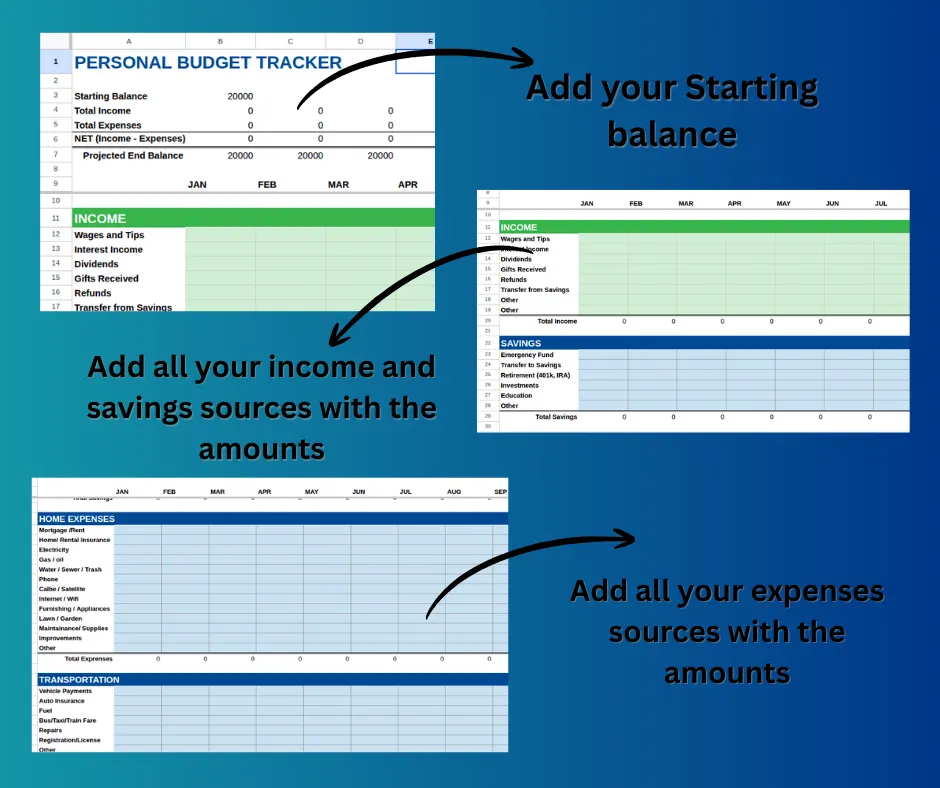
This template is designed to simplify your financial life, making budgeting intuitive and stress-free. Here’s a simple, step-by-step breakdown of how you can put it to work for you.
Step 1: Get Started with Simple Setup
The first step is to personalize the tracker to your needs. Go to the “Setup” tab where you can:
- Set Your Currency: Choose your local currency to ensure all financial data is accurate.
- Define Your Categories: This is the most crucial part. You can easily add, edit, or remove categories for both your income (e.g., “Salary,” “Freelance,” “Side Hustle”) and your expenses (e.g., “Groceries,” “Rent,” “Entertainment”). This ensures your budget perfectly fits your lifestyle.
Step 2: Log Your Transactions
This is where the magic happens. Use the “Transactions” tab to log every single financial activity. All you need to do is enter three simple pieces of information:
- Date: The day the transaction occurred.
- Description: A brief note about the transaction (e.g., “Monthly Rent,” “Coffee with friends”).
- Amount: The exact amount of money that came in (income) or went out (expense).
The template will automatically categorize it for you based on the categories you set up in Step 1.
Step 3: Watch Your Dashboard Come to Life
Once you start logging transactions, your main dashboard will automatically update in real-time. This is where you get a clear visual summary of your finances. On the dashboard, you’ll find:
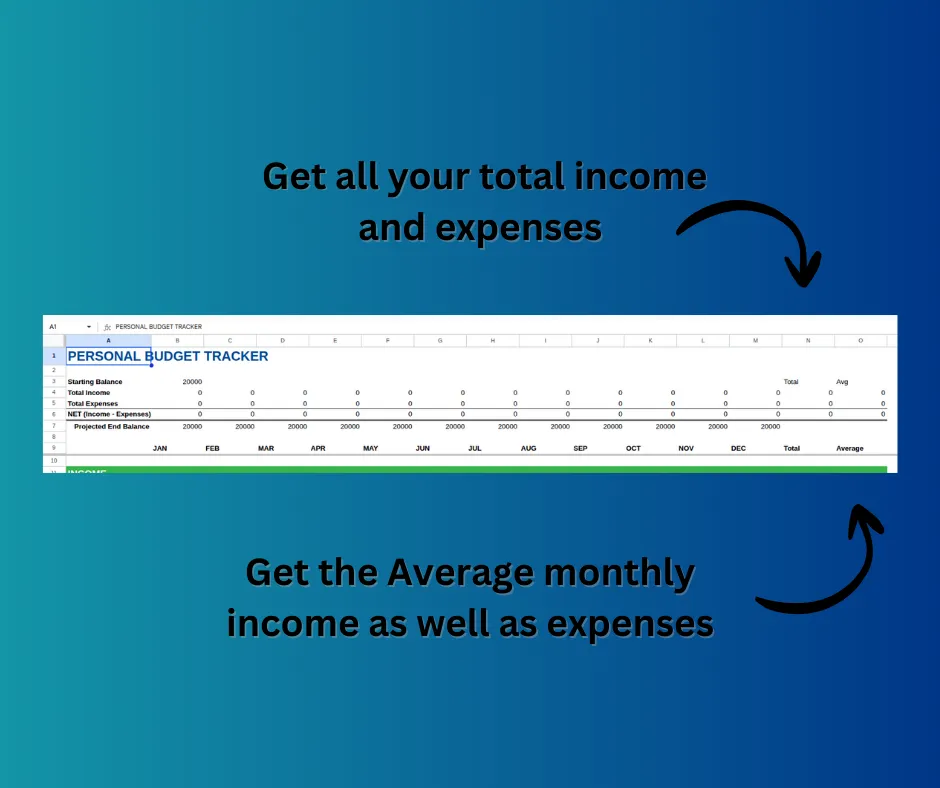
- A Financial Overview: See your total income, total expenses, and your net savings for the month.
- Interactive Charts: The template generates dynamic charts, such as a pie chart showing where your money is going and a line graph tracking your cash flow.
- Budget vs. Actual: Compare your actual spending against the budget you set for each category, so you can easily see if you’re on track or need to make adjustments.
This instant visualization transforms your data into actionable insights, helping you take control of your financial journey with confidence.
Watch Demo
More from Templates
View all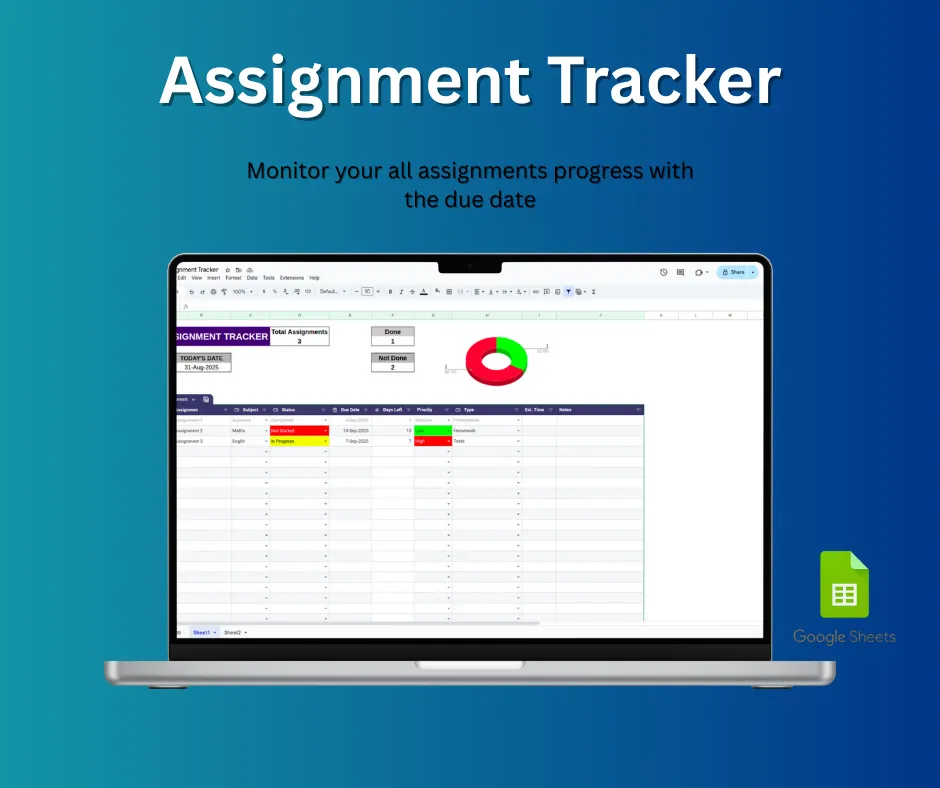
Assignment Tracker
The ultimate tool for students to stay organized, reduce stress, and manage their coursework effectively! This **Assignment Tracker** Google Sheets...
View Details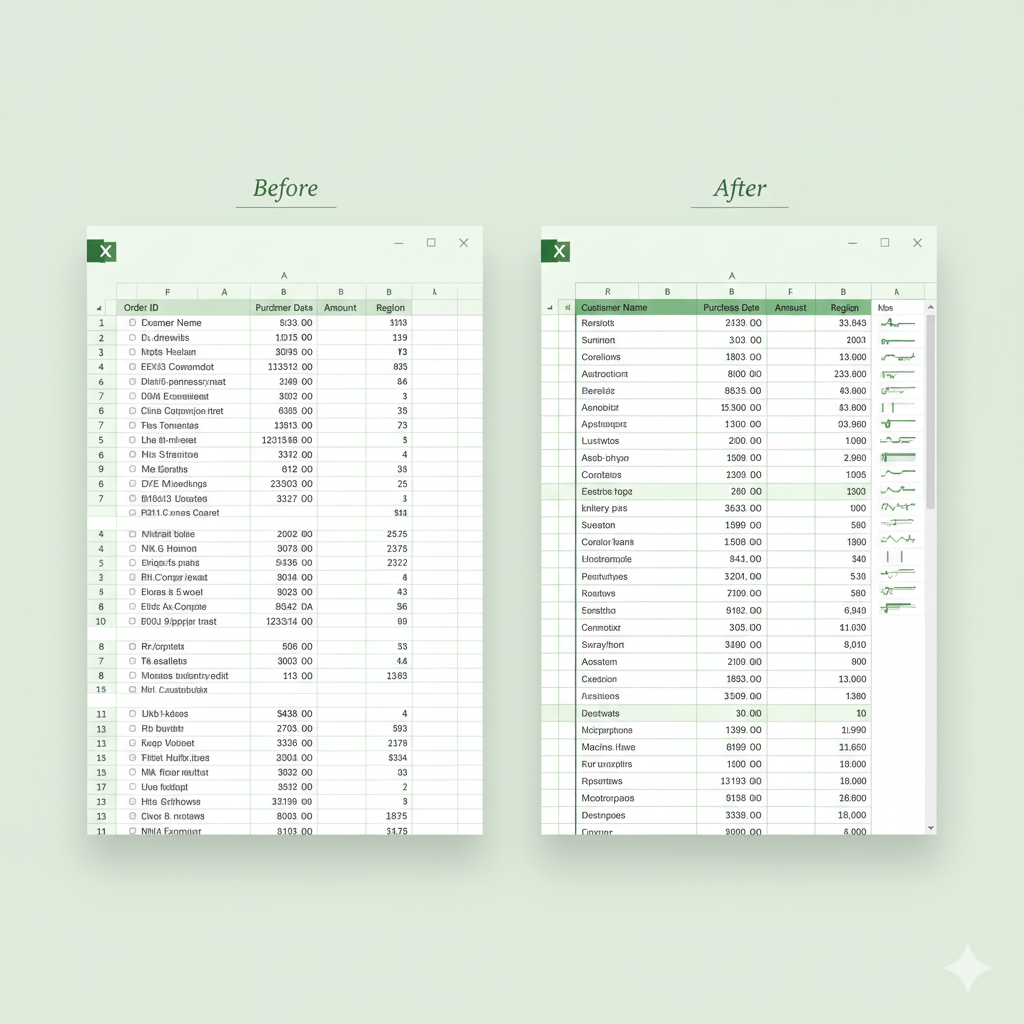
One-Click Excel Data Cleaning Bot
The One-Click Excel Data Cleaning Bot is a powerful VBA automation tool designed to clean messy Excel data instantly. With a single click, it trims...
View Details