One-Click Excel Data Cleaning Bot
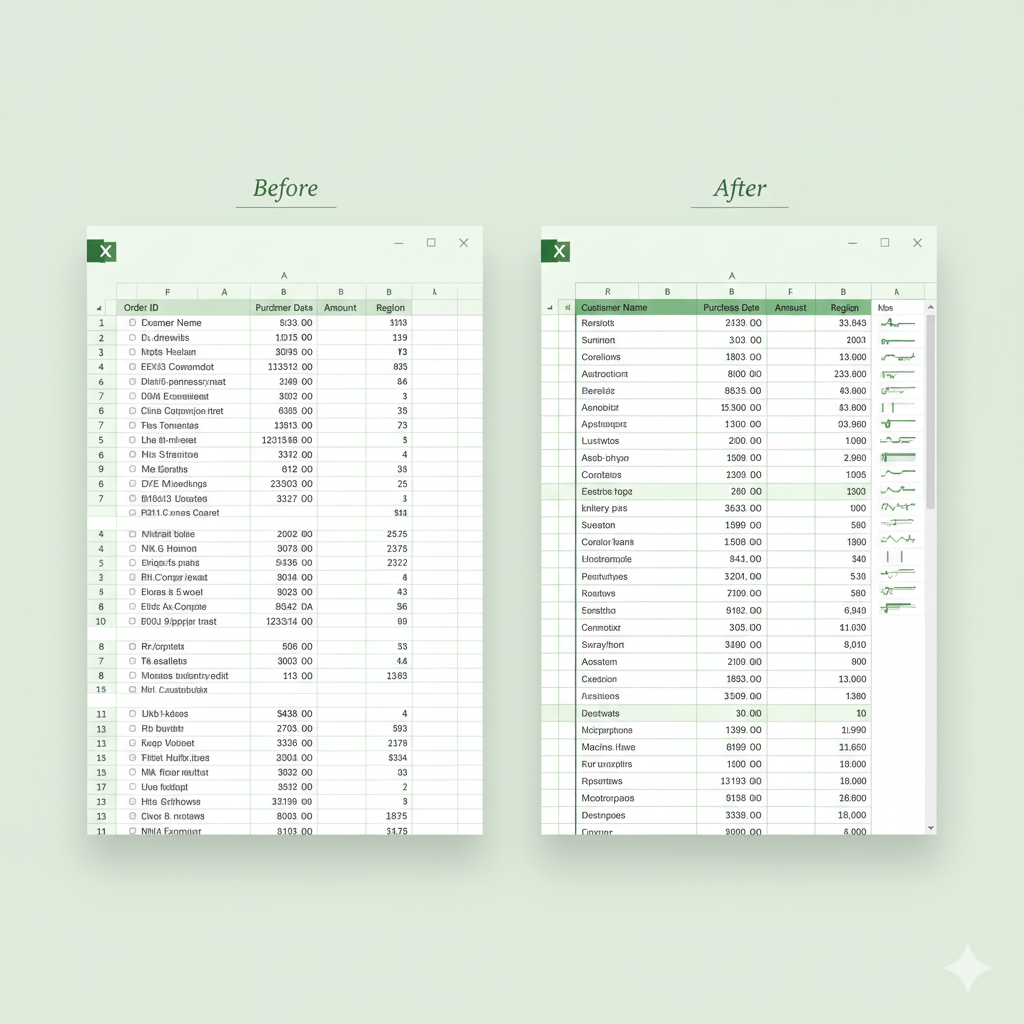
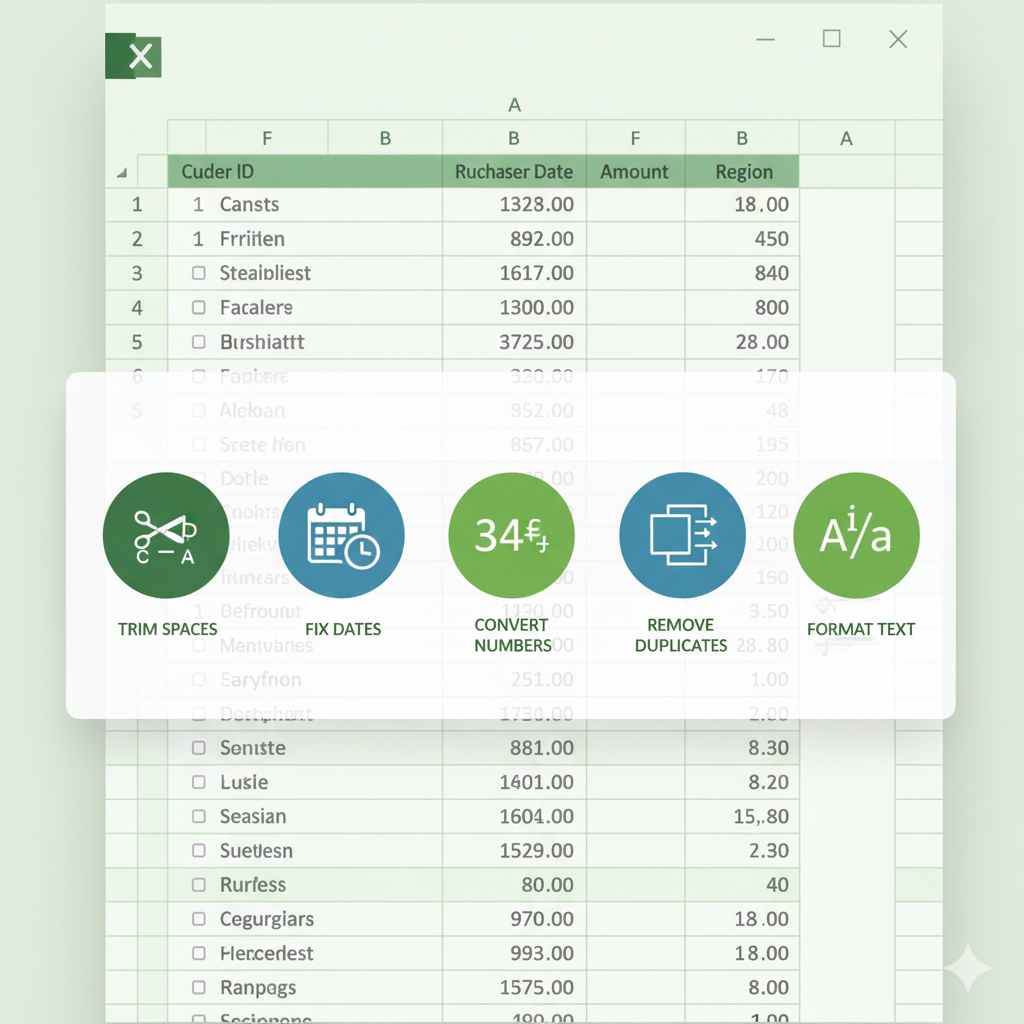
The One-Click Excel Data Cleaning Bot is a powerful VBA automation tool designed to clean messy Excel data instantly. With a single click, it trims spaces, fixes dates, converts text numbers, formats text, removes duplicates, and transforms raw data into clean, analysis-ready information. Perfect for Excel users, analysts, accountants, HR teams, MIS executives, and data professionals.
Rs.249 Rs.199 (20% off)
The One-Click Excel Data Cleaning Bot is a powerful VBA automation tool designed to clean messy Excel data instantly. With a single click, it trims spaces, fixes dates, converts text numbers, formats text, removes duplicates, and transforms raw data into clean, analysis-ready information. Perfect for Excel users, analysts, accountants, HR teams, MIS executives, and data professionals.
Features
-
Instant Data Cleaning: Clean any messy dataset in one click — no manual effort.
-
Fixes Common Data Issues: Automatically trims spaces, corrects text case, converts numbers stored as text, formats dates, and removes duplicates.
-
Professional Formatting: Auto-fits columns and standardizes data for a clean, readable final output.
-
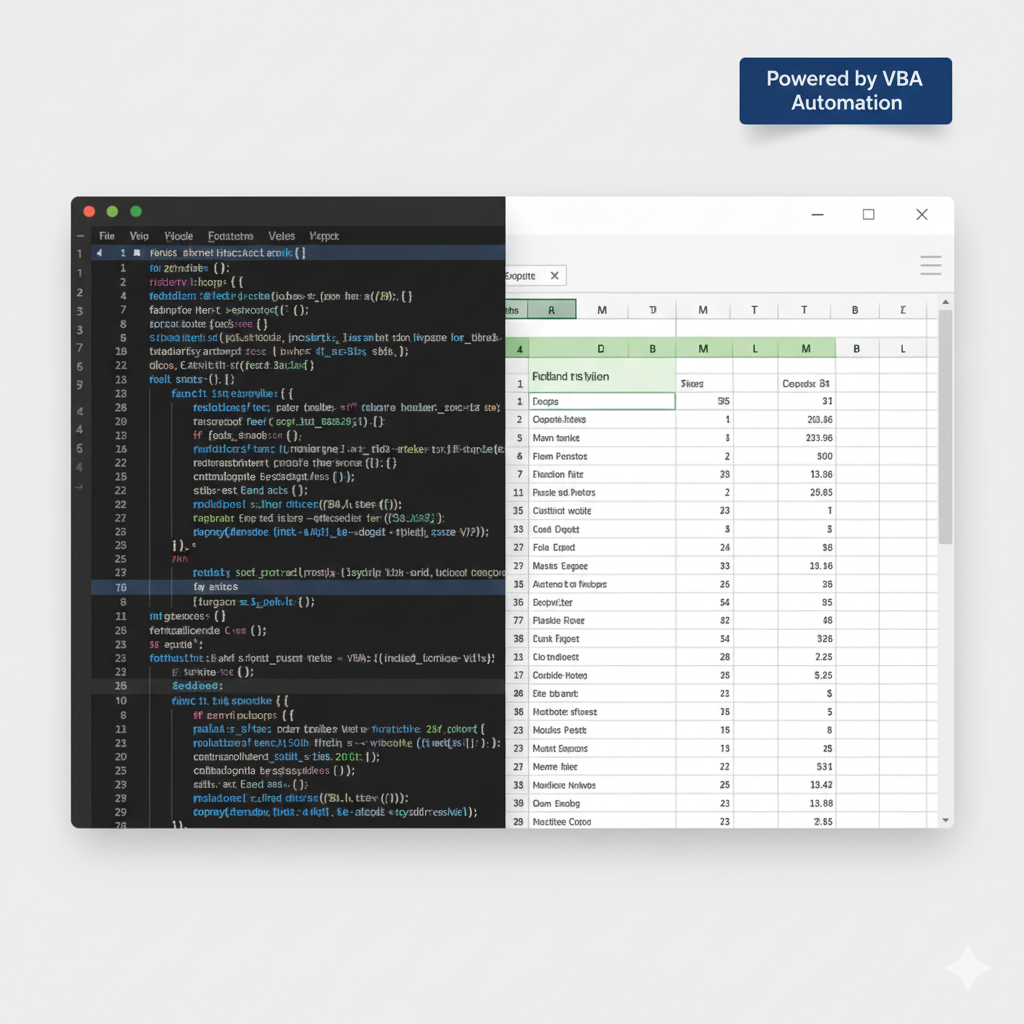
Customizable VBA Script: Edit the code to add more rules or adapt it to your workflow.
-
Beginner-Friendly: Easy setup, detailed instructions, and designed for everyday Excel users.
-
Works on Any Dataset: Salary sheets, CRM exports, HR data, MIS reports, e-commerce data, finance sheets — anything!
-
How it works
This template automates your entire data-cleaning process in a single click. Here’s how you can put it to work for you:
#### Step 1: Import the VBA Macro Press ALT + F11 to open the VBA editor, insert a new module, and paste the One-Click Data Cleaning Bot code provided in the template.
#### Step 2: Select Your Data Highlight the range of raw, unstructured data you want to clean.
#### Step 3: Run the Macro Go to Developer → Macros → OneClickDataClean → Run.
Within seconds, your messy dataset is fully cleaned and ready for use.
#### Step 4: Customize If Needed Modify the code to change date formats, text cases, or add more cleaning rules. The template is fully flexible and user-friendly.
Watch Demo
More from Templates
View all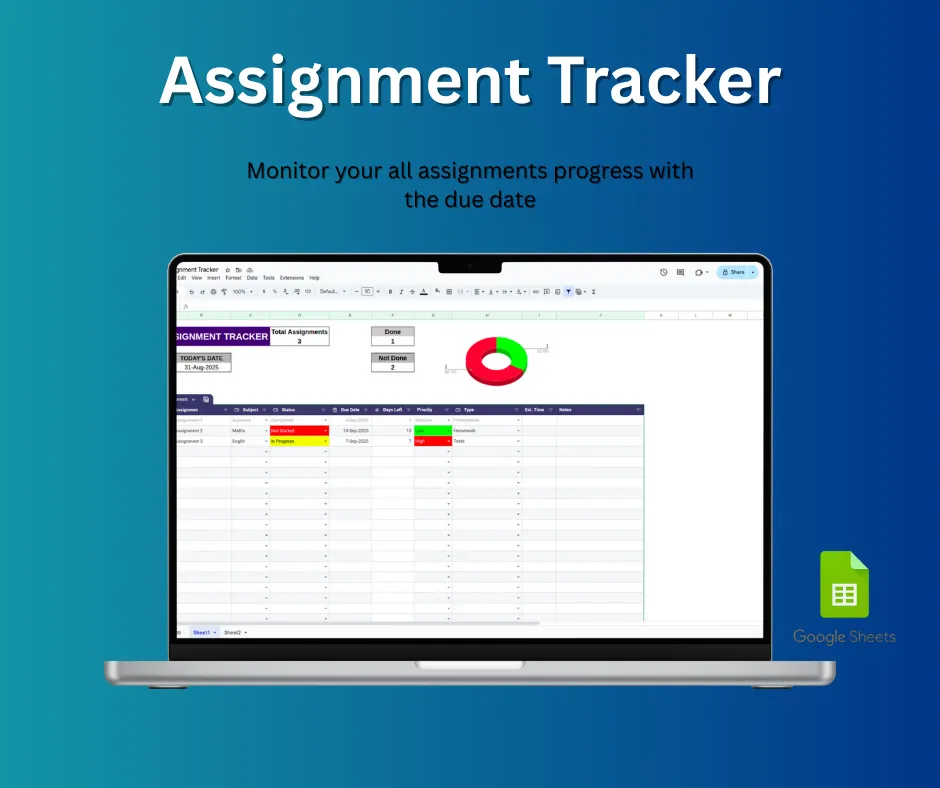
Assignment Tracker
The ultimate tool for students to stay organized, reduce stress, and manage their coursework effectively! This **Assignment Tracker** Google Sheets...
View Details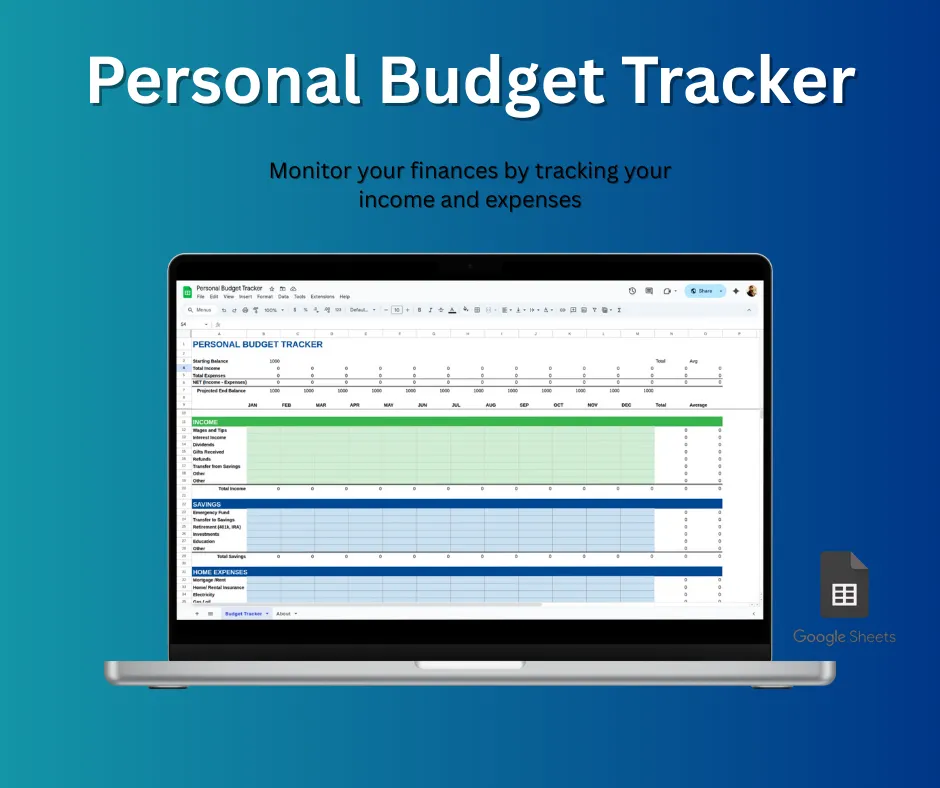
Personal Budget Tracker
This personal budget tracker is a user-friendly Google Sheets template designed to help you manage your finances. It lets you easily track income a...
View Details